
VE table tuning
from a datalog.
Speed density fueling on a Gen III LS lives and dies by the VE table. Here is how to dial it in from logs, by hand or automatically.
What the VE table does
The PCM estimates how much air enters each cylinder from RPM, manifold pressure (MAP) and air temperature. The VE (volumetric efficiency) table is the correction factor for that estimate at every RPM and MAP point. If a cell is too low, the PCM under-estimates airflow and the engine runs lean there; too high and it runs rich. Cams, heads, intakes and boost all change real VE, which is why modified engines need it re-tuned.
On GM P01/P59 the main table is B0101 Main VE, indexed by RPM and MAP kPa, in grams·Kelvin/kPa.
Wideband or fuel trims?
Wideband is the gold standard: you compare measured AFR with commanded AFR in every cell, including at wide open throttle where trims stop working. Fuel trims (short term + long term) need no extra hardware and are accurate in closed loop, which covers idle and cruise. Many tuners do the first passes on trims, then finish with a wideband.
To tune VE in isolation on a P01/P59 you normally disable the MAF (so the PCM runs speed density) and, for wideband tuning, open loop. Make those changes deliberately and keep notes.
How to log for VE
- Fully warm engine, steady conditions.
- Cover as many cells as you can: idle, light cruise at several speeds, gentle and firm acceleration, decel.
- Log RPM, MAP, commanded AFR, wideband AFR (or STFT + LTFT), ECT and IAT.
- Ten to twenty minutes of varied driving is a good first log.
The correction math
For each sample, compute the error: (wideband AFR / commanded AFR − 1) × 100 percent, or with trims, STFT + LTFT. Bin each sample to its nearest RPM and MAP cell and average. Then each cell's new value is VE × (1 + error / 100). Ignore cells with only a handful of samples, and limit how far any cell moves in one pass.
Doing it in TuneBench
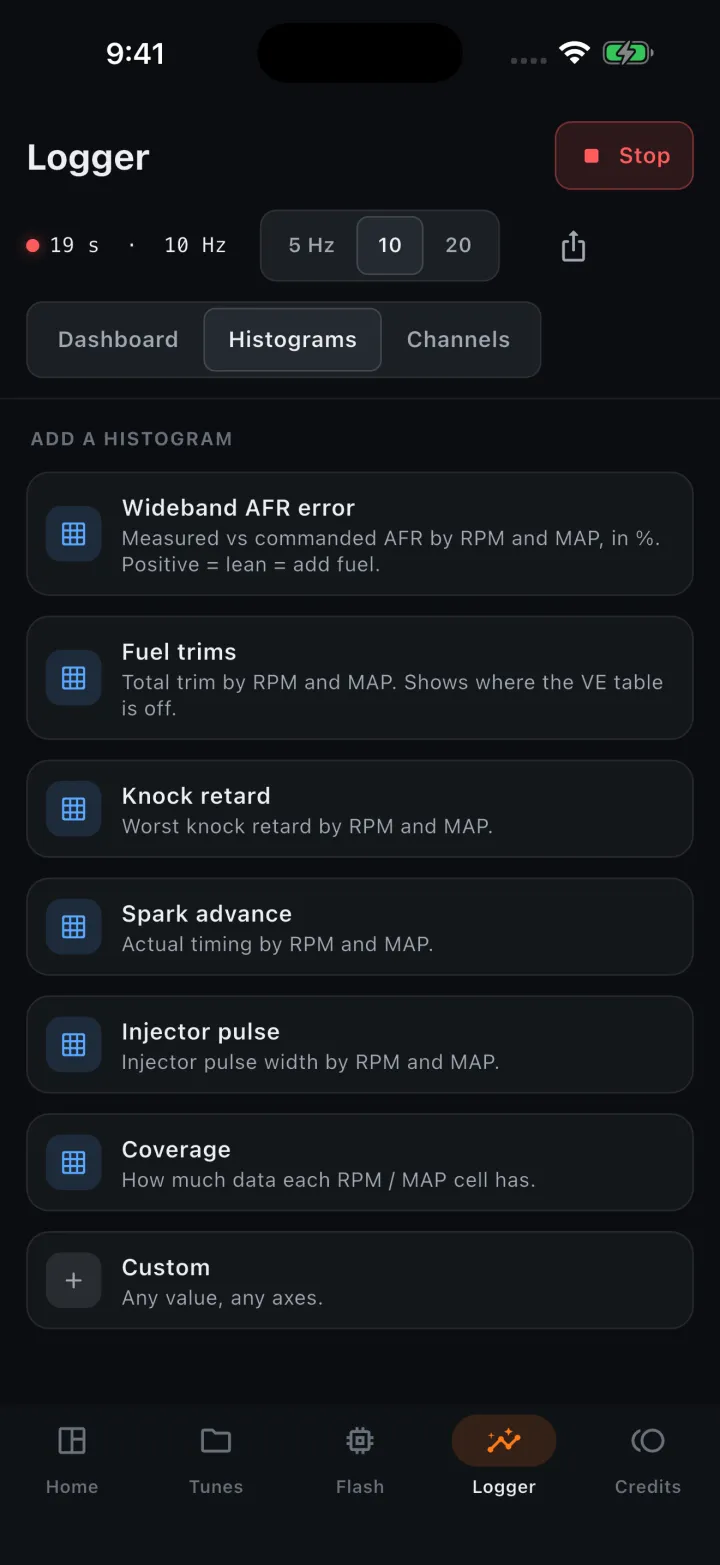
Open the VE table and tap Log. Choose the log, then a preset: Wideband VE error or Fuel trims. TuneBench bins every sample onto the table's own axes, shows the average error in color per cell and previews the new values. Set strength (how much of the error to apply), max change per cell and minimum samples, then tap Apply. Undo is one tap away.
When to stop
Repeat log, correct, write until most cells are within about ±2 to 3 percent. Then smooth the table to remove steps between visited and unvisited cells, and turn MAF and closed loop back on if you disabled them. Re-check trims after a few days of normal driving.
Let the app do the math.
Free to read, edit and log. License a Gen III LS for $50 when you're ready to write.